iPhone
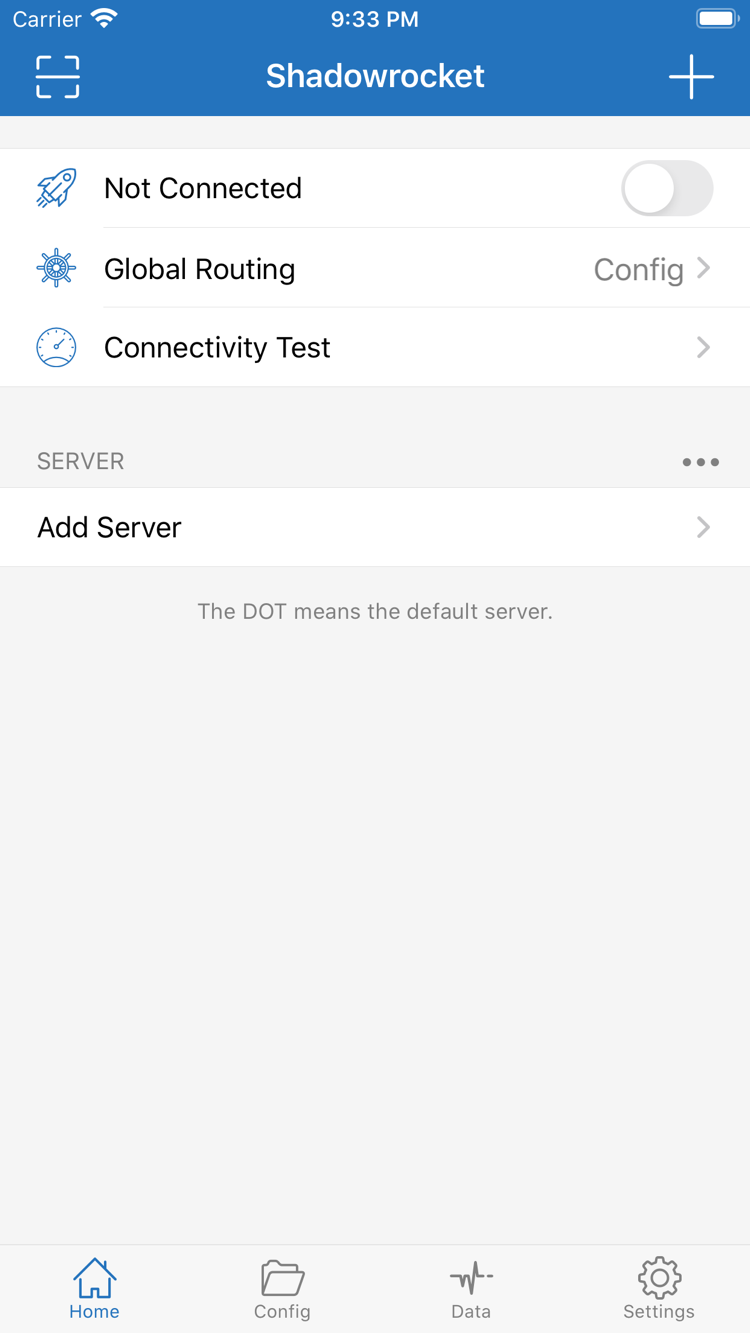
iPhone is the most common device for installation. Once your store region is confirmed, tap the price button on the store page, confirm payment with Face ID, Touch ID or your password, and wait for the download to finish — the app icon then appears on the Home Screen. On first launch, iOS shows a system-level authorization prompt asking you to add a VPN configuration for Shadowrocket. This is the standard requirement for apps that use the Network Extension, and the client can only establish a local tunnel after you allow it. Once authorized, the configuration appears under Settings → General → VPN & Device Management.
- System requirementsAs stated on the App Store page (the current store page lists iOS 13.0 or later)
- First launchA system prompt to add a VPN configuration appears; allow and verify it
- Purchase recordApp Store → profile picture in the top-right corner → Purchased